Business VOIP Service Provider​

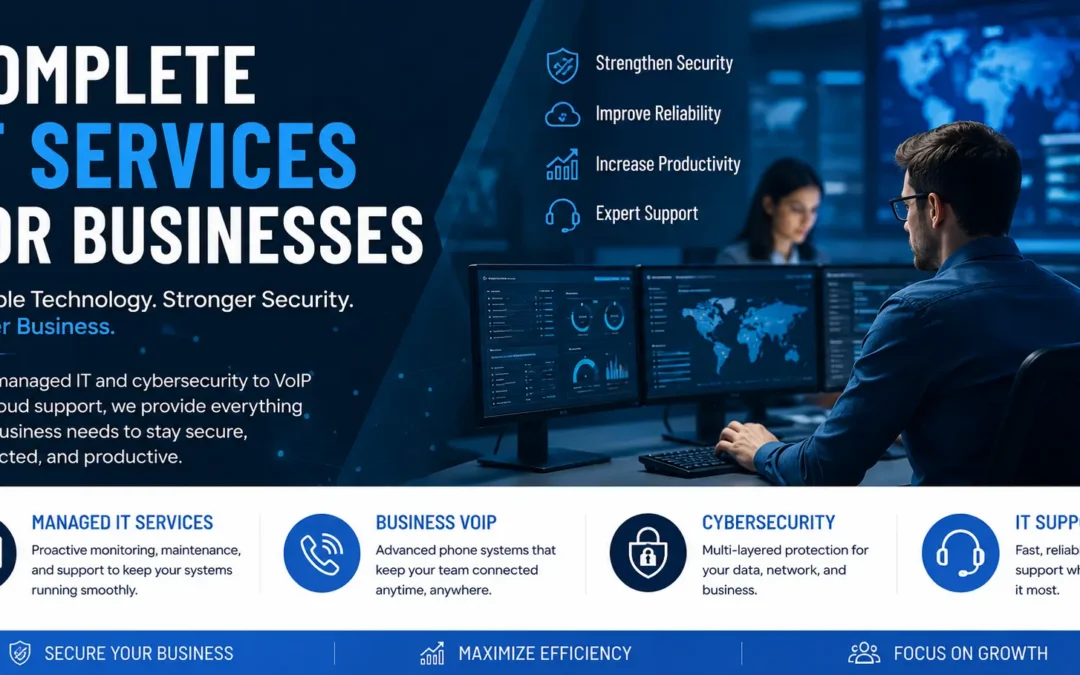
Business VoIP service from Function4 gives businesses across the region a cloud-based phone system that’s built around the way employees actually work. F4 Elevate brings voice, video, chat, SMS, file sharing, and collaboration into one platform, oriented around employee needs and workstyles. One system. One provider. No juggling separate apps or vendors.

Why Businesses Are Leaving Legacy Phone Systems Behind

Legacy phone systems are expensive to maintain, they’re hard to scale, and they weren’t built for remote work or mobile teams. Whether employees are in the office, at home, or on the road, F4 Elevate moves with them. It’s an award-winning IT services solution built on five core strengths: reliability, simplified scaling, increased productivity, business continuity, and lower cost than any traditional alternative.
Business VoIP Tab Image

Business VoIP Services

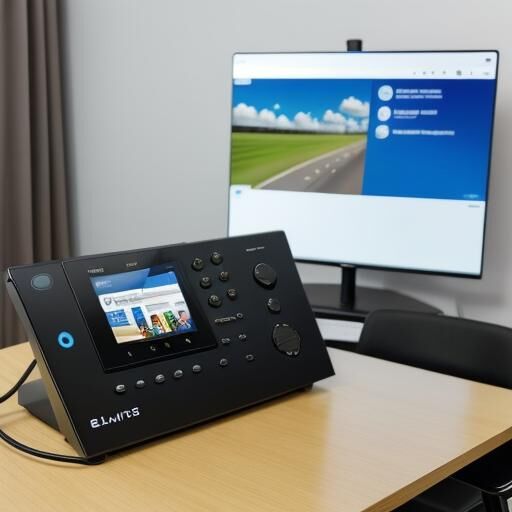
Cloud-based phone systems replace costly legacy infrastructure with flexible communication tools. Function4 keeps teams connected from anywhere: office, home, or on the road.

  • Business VoIP Service Provider: Cloud phone systems with call routing, voicemail-to-email, and mobile access built in.
  • Contact Center as a Service: Voice, chat, email, and SMS, managed from one platform.

What Is Business VoIP Section Image

What Is Business VoIP?

Business VoIP covers cloud-based phone systems that route calls over the internet instead of traditional phone lines. It’s significantly less expensive than legacy hardware, easier to scale, and built for the way businesses actually operate today. Remote teams, mobile workers, and multi-location businesses all benefit from a system that works anywhere there’s an internet connection.

For businesses still running on-premises phone systems, the cost comparison is straightforward. No hardware to buy, install, manage, upgrade, or replace. Flat per-user rates with unlimited domestic calling. And when the business grows, adding users is fast.

Why Choose Us

Function4 is an IT services company with WatchGuardONE Gold Partner status, a designation awarded to organizations that demonstrate advanced cybersecurity expertise, certified technical proficiency, and a commitment to modern managed security services. Function4 brings decades of combined experience across managed IT, cybersecurity, and office technology, which is uncommon in this market.

Relationship Focused Approach White Icon

Purpose-built reliability

The F4 Elevate voice network runs on East and West coast data centers for redundancy and minimal latency. Crystal-clear voice quality on every call.

Breadth of Knowledge White Icon

Scales with the business

Order service based on current users and needs. Adding users is fast and doesn’t require new hardware or infrastructure changes.

Enterprise Security Compliance Excellence White Icon

Works anywhere

The Elevate mobile app gives employees full business phone functionality from any device. Local outages automatically route calls to mobile devices, hunt groups, or other auto attendants.

Aligned Pricing Model White Icon

Lower costs than legacy systems

No hardware investment. No maintenance contracts. Flat per-user rates with unlimited domestic local and long distance calling.

Relationship Focused Approach White Icon

Integrated collaboration tools

Chat, SMS, video conferencing, screen sharing, and file sharing are all built into the same platform. No separate apps needed.

What Clients Say About Function4

See what businesses across the region have to say on the Function4 reviews page.

Frequently Asked Questions About Business VoIP

How VoIP Works

What makes a cloud phone system different from a traditional one?
Traditional phone systems run on physical hardware installed on-site. A cloud phone system routes calls over the internet, which means there’s no hardware to buy, maintain, or replace. It works on desk phones, computers, and mobile devices from any location with an internet connection.
What is Unified Communications and why does it matter?
Unified Communications integrates calling, video conferencing, messaging, file sharing, and email into one platform. Instead of juggling separate apps, teams communicate from a single system. It reduces costs, simplifies IT management, and gives employees tools they’ll actually use consistently.
How does UC improve day-to-day team collaboration?
Teams can see who’s available before transferring a call, move from a chat to a video meeting without switching apps, and share files in the same platform where they’re already communicating. Response times improve and fewer things fall through the cracks between disconnected tools.
What should a business look for when evaluating a UC platform?
Voice and video calling, instant messaging, presence indicators, file sharing, and meeting capability are the baseline. Beyond features, look at reliability, security, how well it integrates with existing software, and whether it can scale as the business grows without requiring new hardware.
How does F4 Elevate integrate with existing infrastructure?
F4 Elevate is designed to work alongside existing hardware and cloud-based services. Function4 handles the integration process and provides support throughout so the transition doesn’t disrupt operations. No heavy IT investment or staff retraining is required to get it running.

F4 Elevate Features

What's included in a standard F4 Elevate account?
Each user gets local phone numbers with unique extensions, voicemail with transcription, auto attendant, call routing, hunt groups, call recording, online meetings, desktop and mobile apps, chat, SMS, screen sharing, and file sharing and backup. Each user gets up to five endpoints.
Is the cost lower than running a legacy phone system?
Yes. F4 Elevate is significantly less expensive than traditional systems. There’s no hardware to buy or maintain, pricing is flat per-user with unlimited domestic calling, and voice and data consolidate onto one network; which cuts overall infrastructure costs further.
How does the system support remote and hybrid employees?
The Elevate mobile app extends each employee’s business phone number and extension to any smartphone or computer. Employees make and receive calls, join video meetings, send chats, and access voicemail from wherever they’re working, whether it’s the office, home, or on the road.
Does the platform include video conferencing?
Yes. F4 Elevate includes online meetings with HD video for up to 30 participants on Elevate Pro. Screen sharing, annotation, conference dial-in numbers, and custom meeting URLs are all included. No separate video conferencing subscription is needed.
What happens to inbound calls if the internet goes down?
If desk phones become unavailable, F4 Elevate automatically routes calls to the mobile app or other designated devices. Cloud-based systems aren’t affected by local outages the way on-premises hardware is. The business stays reachable even when the office isn’t.

File Sharing and Collaboration

Are voicemail messages accessible without listening to them?
Yes. Voicemail messages are transcribed to text and delivered by email so employees can read them without listening. That’s useful when they’re in meetings, working somewhere noisy, or need a written record of what was communicated.
What is auto attendant and how does it work?
Auto attendant is a virtual receptionist that answers incoming calls and routes them based on the caller’s selection. F4 Elevate includes auto attendant with a direct inward dial number at the account level. It’s one of the most-used features for businesses with multiple departments or locations.
Does F4 Elevate connect with Google, Microsoft, and Salesforce?
Yes. The Extend integration platform connects voice, chat, video, and contact center features into business applications including Google Workspace, Microsoft 365, and Salesforce. There’s no heavy IT investment or extensive training required to get it configured.
How does the system handle multiple office locations?
All locations are managed from a centralized portal. The same phone system, policies, and features apply across every office without needing separate systems at each site. Adding a new location doesn’t require new infrastructure.
How much file storage is included per user?
F4 Elevate includes 2GB of file sharing and backup per user, with 100GB per user on Elevate Pro. Files sync across desktop and mobile devices and integrate with Windows file servers, Exchange, Active Directory, Outlook, and Office 365.

Getting Started

Can employees check colleague availability before transferring a call?
Yes. Busy lamp field and call presence features show who’s available before a transfer happens. Combined with the desktop and mobile apps, teams have full visibility into colleague availability across the organization in real time.
How long does deployment typically take?
F4 Elevate phones are pre-programmed and plug-and-play. For most businesses, the system is up and running within days. Function4 handles configuration, testing, and training so the transition doesn’t disrupt operations.
How is pricing structured?
Pricing is flat per-user with unlimited domestic local and long distance calling. There’s no hardware to buy and no maintenance contracts. Function4 provides clear pricing based on the number of users and features needed before any work begins.
What level of support does Function4 provide after launch?
Function4 provides end-to-end support from initial consultation and system design through implementation and ongoing maintenance. The support team handles issues and keeps communication systems running well, not just during initial setup.
What's the first step?
Contact Function4 to schedule a free consultation. A solutions specialist reviews the current phone system, identifies what’s needed, and recommends the right F4 Elevate configuration for the business. No pressure, no generic packages.

Contact Function4

Contact our IT company to schedule a free VoIP consultation. A solutions specialist reviews the current phone system, identifies what’s needed, and recommends the right F4 Elevate configuration for the business. No generic packages, no pressure.

(855) 831-6867
info@function-4.com