


Technology keeps businesses running. From secured networks and cloud backups to business phone systems and cybersecurity, every operation depends on reliable IT infrastructure. For most organizations, especially those without a full internal IT department, managing that technology isn’t easy — and it doesn’t get easier as the business grows.
This complete guide to IT services breaks down what decision-makers need to know about IT services for business: what they include, why they matter, how to evaluate providers, and what a well-structured IT environment actually looks like.
Key Takeaways
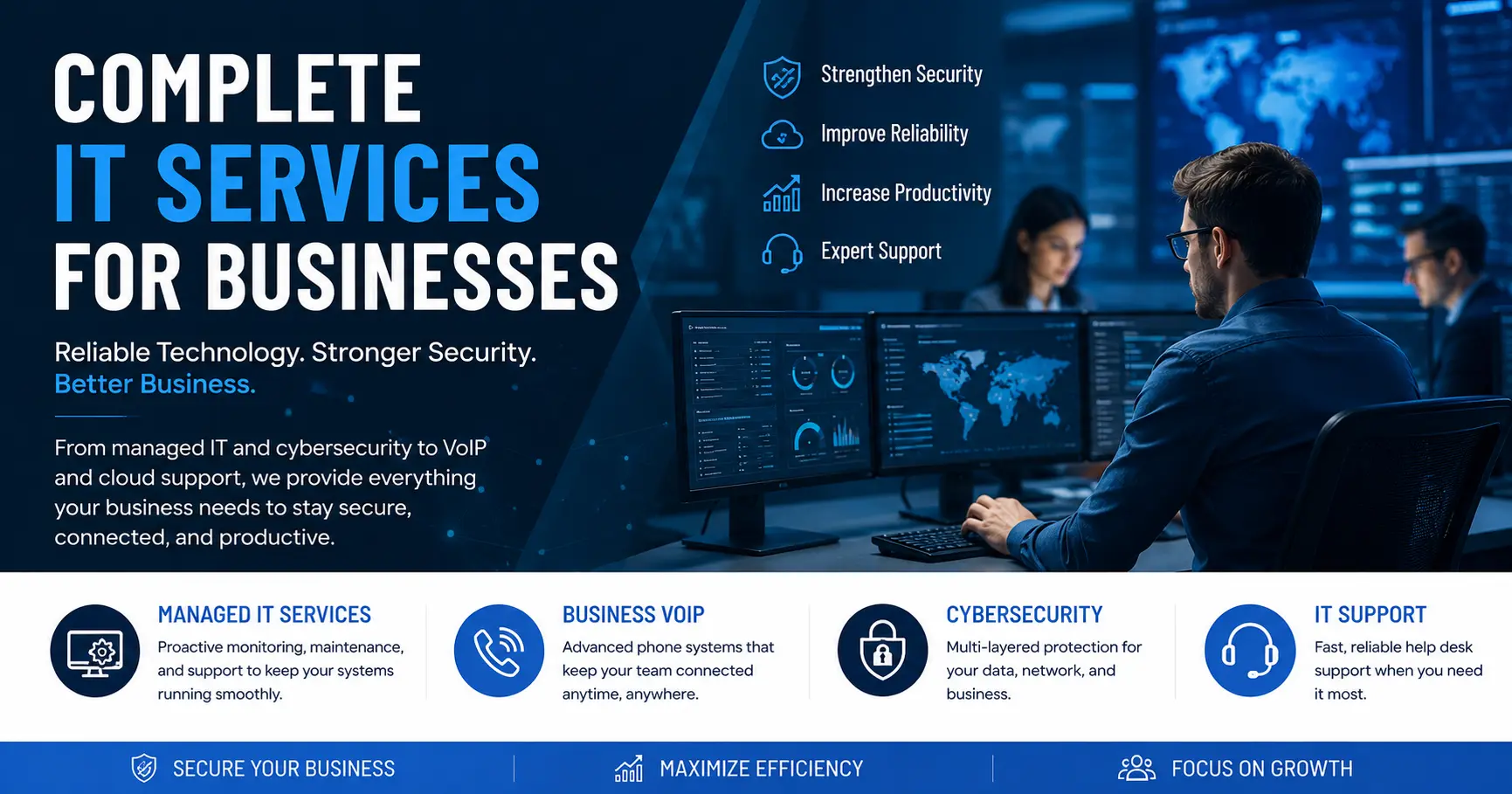
- IT services cover four core areas: managed IT, business VoIP, computer security, and computer support
- The managed services model delivers better uptime and more predictable costs than break-fix IT
- Cybersecurity isn’t just an enterprise problem — Texas businesses reported $1.82 billion in cybercrime losses in 2025
- One provider handling all four service areas reduces vendor gaps and creates clearer accountability
- For most businesses under 100 employees, outsourced managed IT is more cost-effective than building an internal team
What Are IT Services for Business?
IT services cover the full range of technology support, management, and solutions that help an organization build, maintain, and secure its digital environment. The scope isn’t small. It covers everything from basic help desk support to network security, cloud infrastructure, and business communications.
For companies with 10 or 500 employees, the underlying needs are the same. Systems need to stay up. Data needs to stay protected. People need to stay connected and productive. IT services exist to make that happen, whether through an internal team, an outsourced provider, or a mix of both.
The way businesses consume IT services has shifted dramatically over the last decade. The old break-fix model — call a technician when something breaks, pay for the visit — has largely given way to managed services. Under a managed model, a provider proactively monitors systems, handles maintenance on a schedule, and delivers support at a predictable monthly cost. For most organizations, that’s a better deal on every front — and the cost comparison of managed IT versus break-fix shows why.
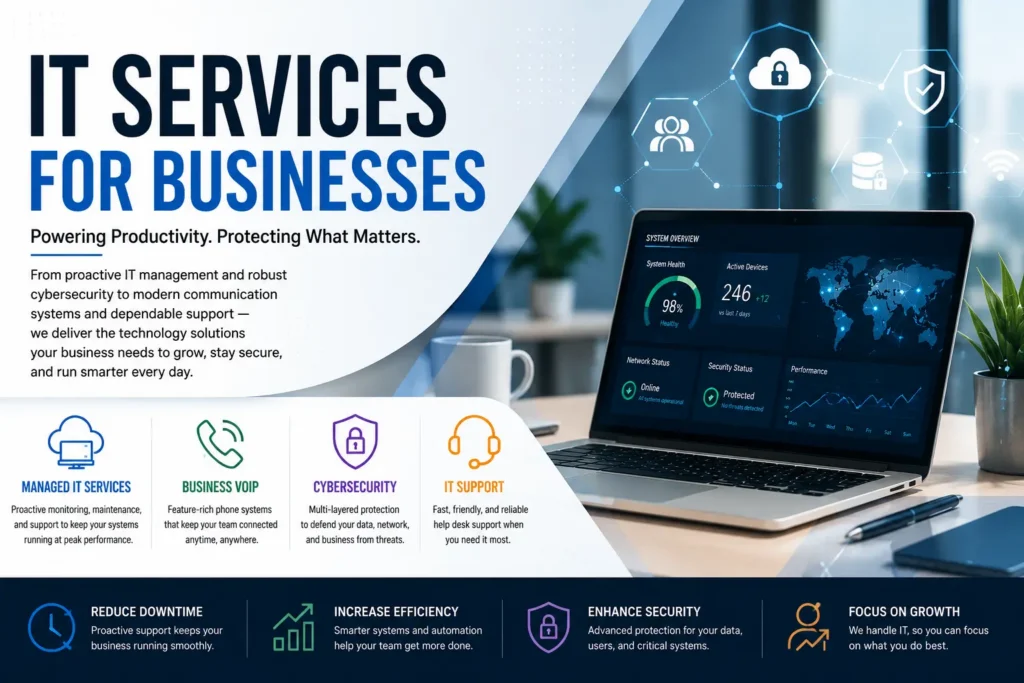
it services for business
The Four Core Categories of Business IT Services
Modern IT service delivery spans four primary areas. Most businesses need coverage across all four to operate efficiently and securely. Skipping one tends to create a gap that becomes a problem at the worst possible time.
Managed IT Services
Managed IT services are the operational backbone of a business technology environment. A managed services provider takes responsibility for monitoring systems, managing infrastructure, handling maintenance, and delivering help desk support, all under a fixed monthly agreement.
What’s that cover in practice? Network and system monitoring around the clock, patch management, software updates, remote and on-site support, cloud infrastructure management, and strategic IT planning. Rather than reacting to problems after they occur, a managed IT model catches issues early. Often, before users notice anything’s wrong.
For businesses without a dedicated internal IT team, managed services function as a fully outsourced IT department. That’s a big deal for organizations that can’t justify full-time IT headcount but can’t afford downtime either. For companies that already have internal staff, a co-managed arrangement lets the provider handle after-hours monitoring, specialized projects, and overflow support, while internal staff focus on daily operations.
The financial case isn’t complicated. Hiring, training, and retaining a full internal IT team is expensive. Managed services deliver broader expertise at a predictable cost, with no payroll overhead attached.
Business VoIP
Communication infrastructure is IT infrastructure. Business VoIP replaces traditional landline phone systems with cloud-based voice technology that routes calls over the internet. The result is a more flexible, more scalable, and far cheaper communications platform than most businesses are currently running.
Modern VoIP systems include features traditional phone systems never offered: call routing, voicemail-to-email, auto-attendants, mobile extensions, video conferencing integration, and detailed call analytics. Employees can make and receive calls from any device — desk phone, laptop, or mobile — whether they’re in the office or working remotely.
For multi-location organizations, VoIP eliminates the complexity of managing separate phone systems across different sites. All locations run under one unified platform, managed from a single dashboard. That’s a meaningful operational simplification that most multi-site businesses don’t realize is available.
Organizations that switch from traditional PBX systems to cloud VoIP typically see telecom costs drop by 30 to 50 percent. That’s not a minor line item.
Computer Security Services
Cybersecurity isn’t just an enterprise concern anymore. According to the FBI’s 2025 Internet Crime Report, Texans reported $1.82 billion in cybercrime losses. This is a significant jump from $1.35 billion the year before. Attackers know smaller businesses tend to have fewer defenses in place. That makes them easier targets, and attackers aren’t shy about exploiting it — and the cyber threats small businesses face heading into 2026 are only getting more sophisticated.
Computer security services protect business systems, networks, and data through a layered approach. That includes endpoint protection, firewall management, email security, dark web monitoring, vulnerability assessments, and security awareness training for staff.
Dark web monitoring’s worth calling out specifically. Credential theft is one of the most common entry points for attackers. When employee login credentials are exposed in a third-party data breach, those credentials often end up for sale on criminal marketplaces. Continuous dark web monitoring catches those exposures before attackers use them to access business systems. It’s one of the few security controls that works even when the breach didn’t happen on the business’s own network.
A cybersecurity assessment gives organizations a clear baseline view of where vulnerabilities exist. From there, a security provider develops a remediation plan and implements controls to reduce risk. For businesses in regulated industries like healthcare, legal, and finance, that baseline’s also a compliance necessity.
Computer Support and Services
Day-to-day IT support keeps operations running. Computer support and services cover the practical needs of a business IT environment: help desk support, device management, cloud backup and recovery, mobile device management, and remote monitoring.
Help desk support is often the most visible piece. Employees run into technical issues all day. Software errors, connectivity problems, and hardware failures. They need fast resolution to stay productive. A well-run help desk handles those requests efficiently, with clear escalation paths for anything more complex. When it doesn’t work well, everyone feels it.
Cloud backup protects against data loss from hardware failure, ransomware, or accidental deletion. Automated backups run on a defined schedule and store copies of critical data in secure off-site environments. Data loss should never be permanent, and recovery needs to be fast. Without a tested backup process, there’s no guarantee either of those things is true.
Mobile device management addresses a straightforward reality. Employees work from phones, tablets, and laptops outside the office network. MDM solutions enforce security policies on those devices, enable remote wipe in case a device is lost or stolen, and keep software up to date across the entire fleet.
In-House IT vs. Outsourced IT Services
Most businesses face this decision at some point. Building an internal IT team gives organizations direct control and staff who understand the business deeply. Outsourcing to a managed services provider delivers broader expertise, around-the-clock coverage, and predictable costs without the overhead. Neither’s automatically right.
For organizations with fewer than 100 employees, a fully internal IT team rarely makes financial sense. The salary, benefits, training, and tooling costs required to staff a capable internal team typically exceed what a managed services provider charges for equivalent or better coverage.
For larger organizations with 200 or more employees, a co-managed model often works best. Internal staff handles day-to-day operations and institutional knowledge, while the provider brings specialized expertise, after-hours support, and capacity when things get busy.
One factor that doesn’t get enough attention: depth of expertise. A single internal IT generalist can’t be an expert in networking, cybersecurity, cloud architecture, compliance, and VoIP all at once. Nobody is. A managed services team brings specialists across all of those areas, available when they’re needed.
How to Evaluate an IT Services Provider
Not all managed service providers are the same. When evaluating options, it’s worth focusing on five things.
Response time commitments. Service level agreements should clearly define response and resolution times. A provider that can’t articulate how quickly they respond to critical issues hasn’t thought seriously about accountability. That’s a bad sign before the contract’s even signed.
Proactive vs. reactive posture. Ask directly: what does the monitoring detect, and what happens when it triggers? Providers that wait for users to call before investigating are reactive. That’s a meaningful disadvantage compared to providers with automated monitoring and proactive remediation.
Breadth of services. Working with one provider for IT management, cybersecurity, VoIP, and support reduces vendor complexity and creates clear accountability when something goes wrong. Fragmented vendor relationships create gaps, and gaps are where problems hide.
Industry experience. IT needs vary by industry. Healthcare organizations face HIPAA obligations. Legal firms handle confidential client data. Manufacturing environments involve operational technology that general IT providers may not be familiar with. Relevant experience matters more than most buyers realize.
Local presence. Remote support handles most issues efficiently. But hardware failures, network infrastructure work, and new office setups require an on-site technician. A provider with local presence means faster response and no waiting for someone to travel from another city.
What a Well-Structured IT Environment Looks Like
Organizations that get IT right share a few common traits. Systems are monitored continuously, not checked after the fact. Security’s layered, with no single point of failure. The communications infrastructure is cloud-based and accessible from anywhere. Data’s backed up automatically and tested regularly. Support is fast, and employees know exactly where to go when something breaks.
The businesses that struggle with IT share a different pattern. Systems patched together over the years without a coherent architecture — the kind of accumulated technical debt that quietly drives up cost and risk. Security limited to a basic antivirus subscription. No formal backup process. Support that depends on whoever in the office is most comfortable with computers. It’s a fragile setup, and most businesses in that situation don’t realize how fragile it is until something breaks badly.
The gap between those two states isn’t really a technology gap. It’s a management gap. The right provider brings structure, accountability, and expertise that turns the second pattern into the first.
For Houston and Southeast Texas businesses, Function4 delivers all four pillars of business IT — managed IT services, VoIP, cybersecurity, and computer support — from a single provider. That integration eliminates the vendor fragmentation that creates gaps, and the local team is available on-site when remote support isn’t enough.
Frequently Asked Questions About IT Services for Business
IT Services Basics
What’s the difference between managed IT services and break-fix IT support? Break-fix charges per incident. A technician comes when something breaks and bills for the visit. Managed IT’s a proactive model, monitoring systems continuously and handling maintenance on a schedule. Most businesses find that managed services deliver better uptime and more predictable costs. It’s also harder to get stuck with a surprise invoice.
How much do IT services for business typically cost? Managed IT services are usually priced per user or per device per month. Most small to mid-sized businesses pay between $100 and $200 per user per month for full managed IT coverage, though that varies by provider and scope. It’s less than most organizations spend trying to patch things together on their own.
What size business needs IT services? Any business that relies on technology to operate benefits from professional IT services. Organizations with as few as 10 employees face the same cybersecurity risks and uptime demands as larger companies, often with fewer resources to manage them. Managed IT is built to scale, fitting businesses at any stage.
Security and Risk
What cybersecurity services does a business actually need? At a minimum, businesses need endpoint protection, email security, firewall management, and regular vulnerability assessments. Organizations handling sensitive data should add dark web monitoring, security awareness training, and compliance support. A cybersecurity assessment is the fastest way to identify the specific gaps in any environment. For a fuller breakdown of what protection looks like in practice, see our guide to cybersecurity for business.
What is dark web monitoring, and why does it matter? Dark web monitoring scans criminal marketplaces for exposed business credentials. When employee login information appears for sale — often from a third-party breach — monitoring alerts the business before attackers use those credentials to get in. It’s one of the most cost-effective early-warning tools available, and it often catches exposures businesses didn’t know had occurred.
VoIP and Communications
What are the advantages of business VoIP over a traditional phone system? Business VoIP costs less, offers more flexibility, and includes features traditional landlines never had. Calls route over the internet, cutting per-minute charges and expensive hardware out of the equation. Features like voicemail-to-email, mobile extensions, and call analytics come standard. Multi-location businesses can manage all sites on a single platform instead of juggling separate systems.
Can VoIP work reliably for businesses with remote employees? Yes. Cloud-based VoIPs are built for distributed workforces. Employees make and receive calls from any device using the same business number, regardless of location. Call quality depends on internet connection speed, which standard business internet handles easily.
Choosing a Provider
What should businesses look for in a managed IT services provider? Look for documented response-time commitments, proactive monitoring capabilities, a broad range of services, relevant industry experience, and a local presence for on-site support. Providers that bundle IT management, cybersecurity, and VoIP under one agreement reduce complexity and create clearer accountability across the board.
Is it better to have one IT provider or multiple specialists? One provider’s almost always better. When a problem spans systems — a security incident that also affects communications, for example — a unified provider investigates and resolves it without vendors pointing fingers at each other. That finger-pointing is more common than most buyers expect.
How long does it take to transition to a new managed IT services provider? Most transitions take two to four weeks, depending on the environment complexity. A well-structured onboarding includes a full systems audit, documentation of the IT environment, tool deployment, and a defined support escalation path. With proper planning, disruption to daily operations is minimal.
Ready to Simplify IT for Your Business?
Managing technology across multiple vendors creates gaps, delays, and accountability problems. Function4 delivers managed IT services, business VoIP, computer security, and computer support from a single provider — built for Houston and Southeast Texas businesses that need technology to work without constant management overhead.
Contact Function4 to schedule a free technology assessment.
