



What is quishing? It’s phishing that swaps the clickable link for a QR code. A scammer tucks a bad web address inside the code, you scan it, and your phone opens a fake login page or a payment form.
The quishing meaning is baked right into the name. QR plus phishing. And it works for a simple reason: nobody can read where a QR code goes just by looking at it.
Here’s why it bugs IT teams. The code arrives as a picture, so plenty of email filters never spot the link hiding inside. Then the scan happens on somebody’s phone, well outside the tools guarding their work laptop. Two blind spots, one scan.
Worried someone on your team would scan the wrong code? Function4’s cybersecurity team can look over your email filtering and phone policies with you.
How a Quishing Attack Works
Most quishing attacks run the same play. The QR code is just the delivery truck. The goal hasn’t changed at all: grab a password or a payment.
- The bait lands. A code shows up in an email or on a sticker, usually with a reason to hurry (“Your password expires today”).
- The link stays hidden. You can’t hover over a pattern of squares. There’s nothing to read.
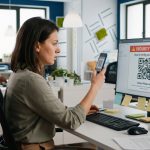
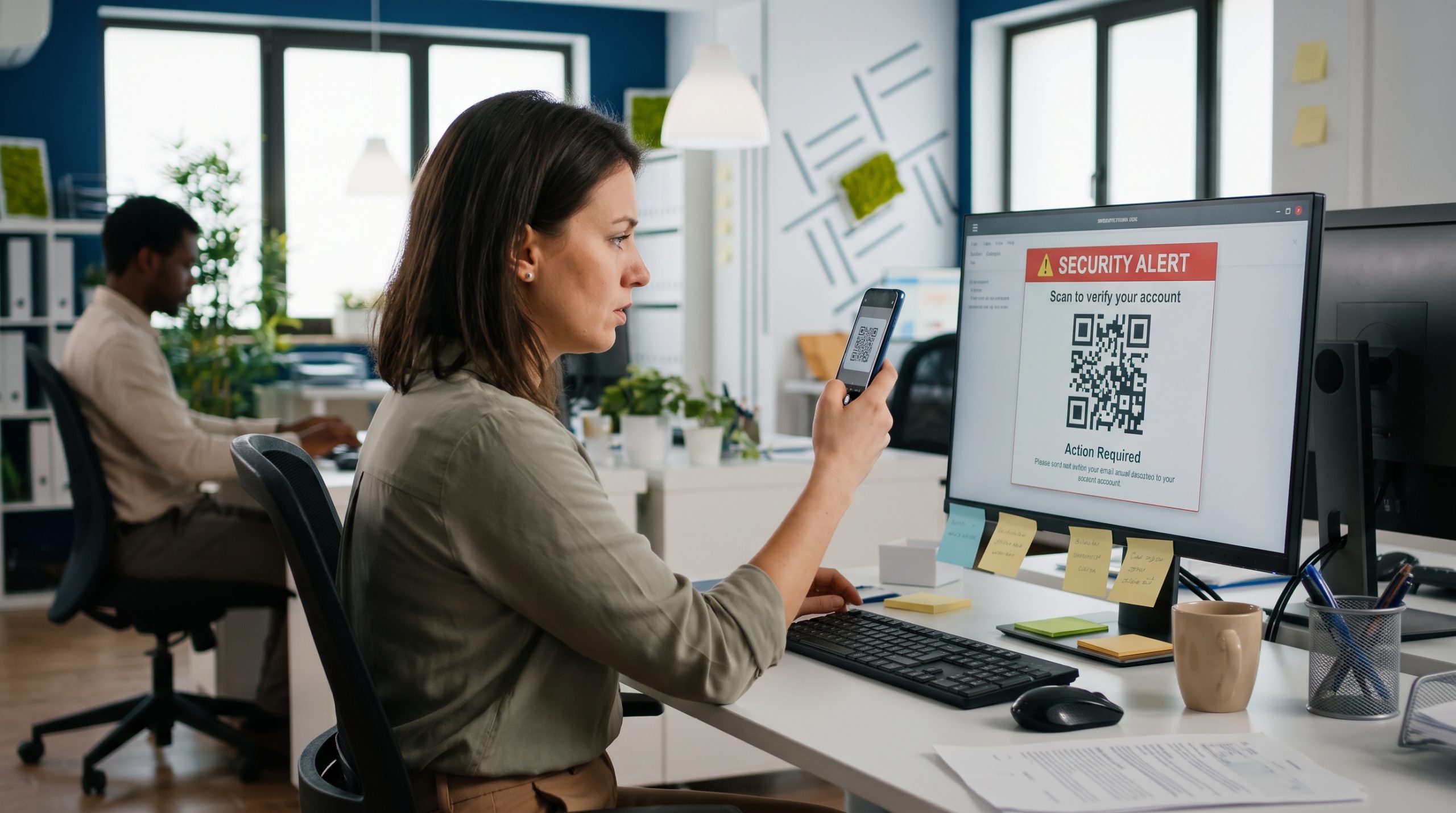
- The device switches. The code arrives on a work computer, so the person grabs their phone to scan it, and the attacker just walked away from the protected laptop.
- A fake page loads. Often it’s a copy of a Microsoft 365 sign-in screen. Sometimes a bank.
- The attacker collects. Whatever gets typed in (a password or a multi-factor code, usually) goes straight to them.
A scan can land you on a copycat site, or it can kick off a download that watches what you do and quietly pulls sensitive details.
What Is Spear Quishing?
The targeted version. Instead of blasting out thousands of generic emails, the attacker researches one person (or a small group) and writes something that fits their job. Much harder to spot.
In January 2026, the FBI warned that Kimsuky, a North Korean state-backed group, had been sending malicious QR codes to think tank staff and foreign policy experts. Not random targets. Hand-picked.
Why QR Code Phishing Slips Past Security Tools
Short answer? QR code phishing hits two blind spots at once. What the email filter can see, and which device the person is holding.
The Link Is a Picture
Traditional email security reads text. It checks links against lists of known bad sites and flags shady wording. A QR code carries its link inside an image, so a filter that doesn’t decode images has nothing to check. Nothing at all.
The Australian Signals Directorate says as much, and it tells businesses to ask their email security provider how it handles image-based threats. Good question to put to yours.
The Scan Happens on a Phone
Here’s the part people miss. Once someone scans a code off their monitor, the rest of the attack plays out on their phone. Maybe a personal phone with no company web filtering and no logging. The FBI described Kimsuky’s campaign as pushing victims onto mobile devices on purpose, where email and network defenses can’t see much.
That’s where mobile device management earns its keep. If staff does work on their phones, those phones need the same rules as their laptops.
People Trust QR Codes
Menus. Event tickets. QR codes went routine fast, and that familiarity lowers people’s guard. Most folks never stop to ask where a code leads, and the camera preview flashes a short, easy-to-miss address before the page opens.
Common Quishing Examples
QR code scams show up anywhere a code looks normal. Which is almost everywhere now. Nearly all of them come with urgency attached, a reason to act before you’ve had a second to check where the code goes. These are the ones businesses run into most.
- Fake security alerts. Your Microsoft 365 password is “expiring,” or your multi-factor setup “needs an update.” Scan to fix it.
- A QR code tucked inside a PDF attachment, like an invoice or an HR notice, which gives the filter one more layer to dig through.
- Delivery and payment texts. A package is late, or a payment failed. The Federal Trade Commission warned in December 2023 that scammers use QR codes in messages like these to hide a sketchy website or app download.
- Stickers over real codes. On parking meters and restaurant tables. The FTC noted that fake parking codes send your payment details straight to the scammer (and your car can still get towed).
- Printed mail that looks like it came from a bank or a utility, asking you to scan and “confirm your account.”
How to Spot a Malicious QR Code
You can’t. Not from the pattern, anyway. What you can judge is everything around it, and these are the signs we’d tell any employee to watch for:
- An unexpected code in a work email. Real IT teams rarely ask anyone to scan a QR code to reset a password.
- Pressure to move fast. Lockout threats and “final notice” language are old phishing tricks with a new delivery method.
- A sticker sitting on top of another code. Check whether it looks pasted on or a little crooked.
- A preview address that doesn’t match the brand. Read what your camera shows before you tap. Misspellings and link shorteners are red flags.
- A code that drops you straight onto a sign-in page or prompts an app install. Close it.
When in doubt, skip the code. Type the company’s web address yourself or open its official app. That’s the Australian Signals Directorate’s advice too (reach payment sites by entering a trusted address, and get apps only from official stores).
How Businesses Can Prevent Quishing
No single tool closes every gap. If you want to prevent quishing, you stack a few defenses, and these are the five we’d start with.
- Train staff on QR code risks. Fold quishing into your security awareness program and send practice emails that include QR codes. Our guide on how to deploy cybersecurity awareness training walks through building one that actually sticks.
- Write a simple QR code rule. Tell everyone IT will never send a QR code to reset a password. Now a fake request looks fake.
- Use email security that can read images. Ask your provider whether its filters decode QR codes in message bodies and attachments (newer AI-based anti-phishing tools can).
- Get phones under management. Mobile device management lets you push web filtering and updates to the phones staff use for work.
- Require stronger sign-in. Multi-factor authentication, ideally app-based or hardware keys, limits the damage when a password does get stolen.
Not sure where your gaps are? A cybersecurity assessment is a practical first step. It shows where your email setup and user habits leave room for an attack like this.
What to Do If You Scanned a Bad QR Code
Move fast. If you scanned a code and then typed something in or downloaded something, here’s the order we’d go in.
- Stop and disconnect. Close the page. Installed an app? Turn on airplane mode until IT can look at the phone.
- Change the password you entered. Do it from a different, trusted device, and anywhere else you reused it (be honest).
- Call your bank if you paid anything, and ask them to block the card.
- Tell IT or your security provider. Send the email or a photo of the code. The faster they hear about it, the faster they can block it for your coworkers.
- Keep an eye out. Odd sign-in alerts and new forwarding rules in your mailbox are the big ones.
One more thing. Stolen work credentials often end up for sale online, and a dark web scan can show whether your company’s email addresses and passwords are already out there.
Frequently Asked Questions
What is quishing in cyber security?
A phishing attack that uses a QR code to deliver the link. Scanning the code sends you to a fake site that steals your login or payment details, or it installs malware. Security teams treat it as a phishing variant because the goal hasn’t changed. Only the wrapping has.
How does quishing work?
An attacker makes a QR code that points to a malicious website and puts it somewhere you’ll scan it. An email. A sticker. You scan, your phone opens the fake page, and whatever you type goes to them.
How do quishing attacks differ from regular phishing?
Two ways. You can hover over a regular phishing link and inspect it, but a QR code hides that link inside an image until after you scan. And the scan moves the attack onto a phone, which often doesn’t have the security your work computer has. That pairing makes quishing harder for both people and filters to catch. It’s also why older email defenses, built around reading text links, tend to wave these messages straight through to the inbox.
What is the difference between phishing, smishing, vishing and quishing?
Same scam, different channel. Phishing usually comes by email and smishing by text. Vishing happens on a phone call. Quishing uses QR codes, which can turn up in any of those, or on a printed flyer.
What is spear quishing?
Quishing with a specific target. The attacker researches a person or small group and writes a message that fits their role. The FBI reported a North Korean group doing exactly this to think tank staff in 2025.
How do you prevent quishing?
Start with people. Train staff and set a clear rule that IT never sends QR codes for password resets. Then add email security that reads images and put work phones under management. Multi-factor authentication covers you if a password still leaks. None of these is perfect alone, but stacked together they make one bad scan much less likely to become a breach.
Which email security tools stop QR code phishing?
Ones that decode images. Look for filters that pull the link out of a QR code (in the message body or an attachment) and check it like any other URL. Many newer AI-based anti-phishing platforms do. Ask your provider straight out.
What are the warning signs of a quishing attack?
An unexpected QR code in a work email is the big one. Others include urgent talk of account lockouts and a preview address that doesn’t match the brand.
How can you detect quishing attacks?
It depends on who’s looking. People catch them by checking the context and the preview address before they tap. Organizations catch them with email filters that decode QR images and with mobile device management that logs web activity on work phones. Employee reporting matters more than most expect, though, because every reported code lets IT block that campaign for everyone else before the next person scans it.
Are QR codes safe to scan?
Most are. But any code can point anywhere, and you can’t tell by looking. Stick to codes from sources you trust and check the preview address. If a code asks for a login or a payment, type the site address yourself instead.
Protect Your Team From Quishing
Quishing takes something everyone uses without thinking and turns it into a way around your security. It hides the link in an image, then shoves the victim onto a phone. The fix is layered too. Train your people, then back them up with email filtering and device management.
Function4’s cybersecurity services help businesses close the gaps attacks like this go after. Want to know where yours stand? Contact Function4, and we’ll set up a conversation with our team.
